
Download CallMerlin
Install on Windows, Mac, Android or iPhone. Sign in with your account code and PIN.
DesktopAvailable in NL/EN/DE/FR/ES
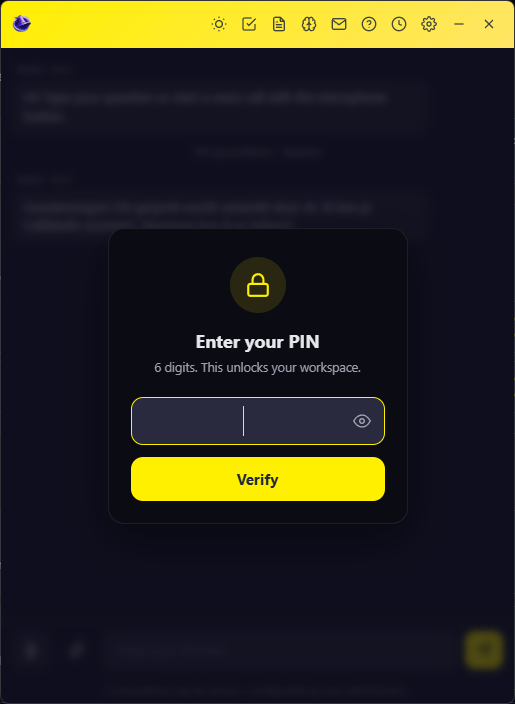
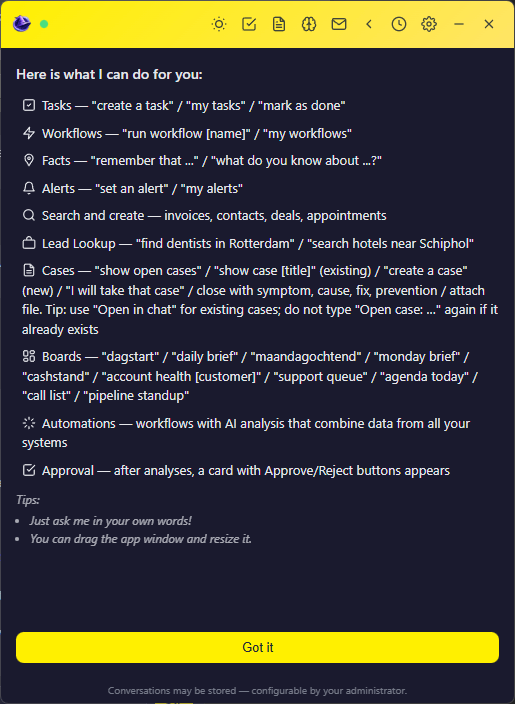
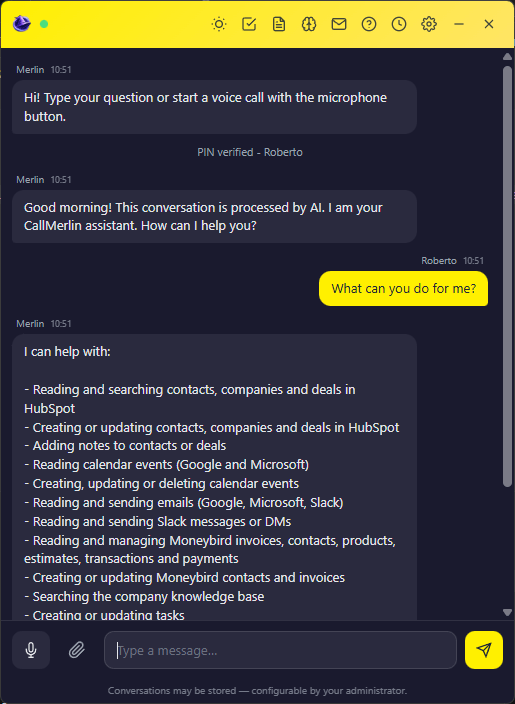
Web interface (browser)
Use CallMerlin in your browser, no download needed. Sign in with account code and PIN (Professional or higher).
Windows
Recommended: install from the Microsoft Store. Direct installer remains available for IT environments.


The .exe may show a Windows SmartScreen screen. Click "More info" then "Run anyway". Prefer the Microsoft Store when possible.
macOS
CallMerlin desktop for Mac. Direct DMG installer, the same companion app as on Windows.

The DMG is signed and notarized by Apple. Drag CallMerlin to Applications and open it.
MobileAvailable in NL/EN/DE/FR/ES
Android
CallMerlin for phones and tablets via Google Play.

iPhone & iPad
CallMerlin for iOS via the App Store.

After install, open the app and enter the account code from your CallMerlin dashboard (Settings).
Each user signs in with their own PIN.