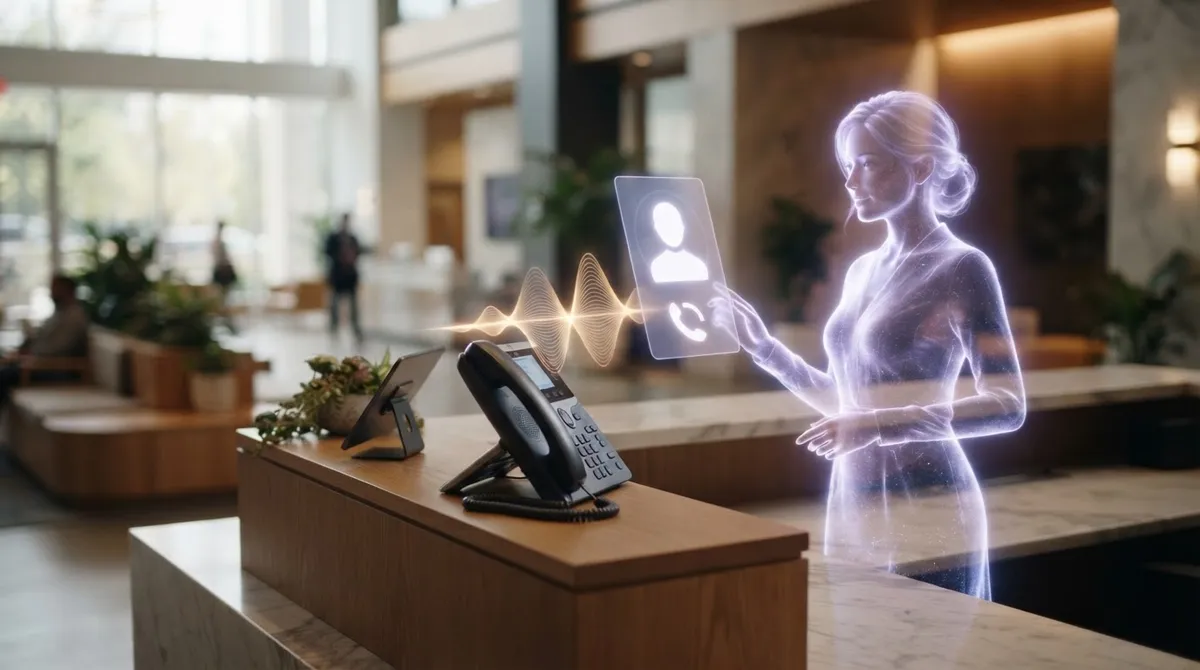
Ask Merlin to call someone, confirm Suggest call, open Call with the number filled in. No automatic dialing. Optionally record mid-call with an announcement. Professional or higher.
CallMerlin softphone outbound lets you start an outbound call from chat or voice: Merlin finds the contact, shows Suggest call, you confirm with Open Call, and Call opens with the number already filled in. You place the call yourself. Nothing dials automatically. Optionally start mid-call recording with an announcement for a summary and action items. Docs: Calling from chat.
What is softphone outbound calling from chat?
Softphone outbound calling means you place the call through the CallMerlin app or desktop (not your device’s native phone app), started from a Merlin conversation or workflow. Merlin proposes the number; you confirm and dial. That differs from inbound Front desk, where customers call your number.
- Ask: Call Jane Doe or Call +31612345678
- Merlin shows Suggest call with name and number
- Open Call prefills the number; you place the call
- Optional: Start recording mid-call with announcement
How does Suggest call work step by step?
Your PIN needs Place calls via chat/voice, and Call is enabled on the account (Professional or higher, or trial). You ask Merlin to call. If several contacts match, Merlin asks which one. If none match, you can enter an E.164 number. Then you confirm; Merlin never autodials.
- Desktop open: softphone in the desktop app with number prefilled
- No desktop, mobile app available: hint to the CallMerlin app
- Browser only: softphone in the web interface, or download hint
- Merlin voice and mic stop before Call opens (no two voices on one headset)
Can a workflow suggest a call automatically?
Yes. In the workflow builder the Suggest call step mirrors chat: find contact, show suggestion, you confirm. There is no step that dials silently. Example: after an unpaid invoice → Suggest call to that customer.
How does calling with recording and summary work?
During a softphone call, tap Start recording. Both parties first hear an announcement. Then CallMerlin records both sides. After hang-up you get a summary with action items; raw audio is deleted after processing. Without recording you still get a Call log row (source Call) with metadata only.
- PIN permission Meeting summaries required for the recording pipeline
- Audio before Start recording is not in the recording (intentional)
- CRM notes or tasks afterward only after your approval
- Daily summary limit is shared with live meeting recordings
Do outbound softphone minutes count toward your bundle?
Yes. Outbound softphone calls count 1:1 toward your minute bundle (wall clock), same as manual Call. That applies even if you do not record. Log source: Call. Front desk minutes use a separate meter.
Which destinations can you call?
Outbound is worldwide in E.164 format, both via Suggest call (chat/workflow) and manual Calling. Premium and special numbers (e.g. NL/ES information services) are blocked. A microphone on the device you dial from is required.
Softphone outbound vs Front desk inbound: what is the difference?
Outbound softphone is you placing the call. Front desk is the AI answering inbound and optionally transferring. Call back after a missed Front desk call uses the same softphone experience: number prefilled, you start. Together they cover inbound plus human follow-up. See Front desk.
This article also covers
- How do I call a customer from AI chat without autodial?
- Can Merlin suggest a call after an unpaid invoice workflow?
- How do I record an outbound softphone call with an announcement?
- Do softphone minutes count the same as phone minutes in CallMerlin?
- What is the difference between Suggest call and Front desk transfer?
FAQ
Does Merlin dial silently without my confirmation?
No. Softphone outbound requires your confirmation via Suggest call / Open Call. There is no silent autodial from chat, workflow, or Merlin voice.
Is softphone outbound the same as Front desk?
No. Front desk is the public inbound Voice Agent on a dedicated number. Softphone outbound is you placing outbound calls via Call, often started from chat.
Which plan includes Call?
Call is available on Professional or higher, or during trial per your account. Your PIN needs Place calls via chat/voice for Suggest call.
Do I always get a transcript of every softphone call?
No. Without Start recording you get metadata in call logs, not a summary or transcript. With recording you get a summary and action items; raw audio is deleted afterward.
How do I start today?
Start a 7-day free trial, enable Call, grant a PIN Place calls via chat/voice, ask Call Jane, confirm, and dial. Details: Calling from chat and Calling with recording.